USB CONFIGURATOR
📌 What's New
[2026-09-17]
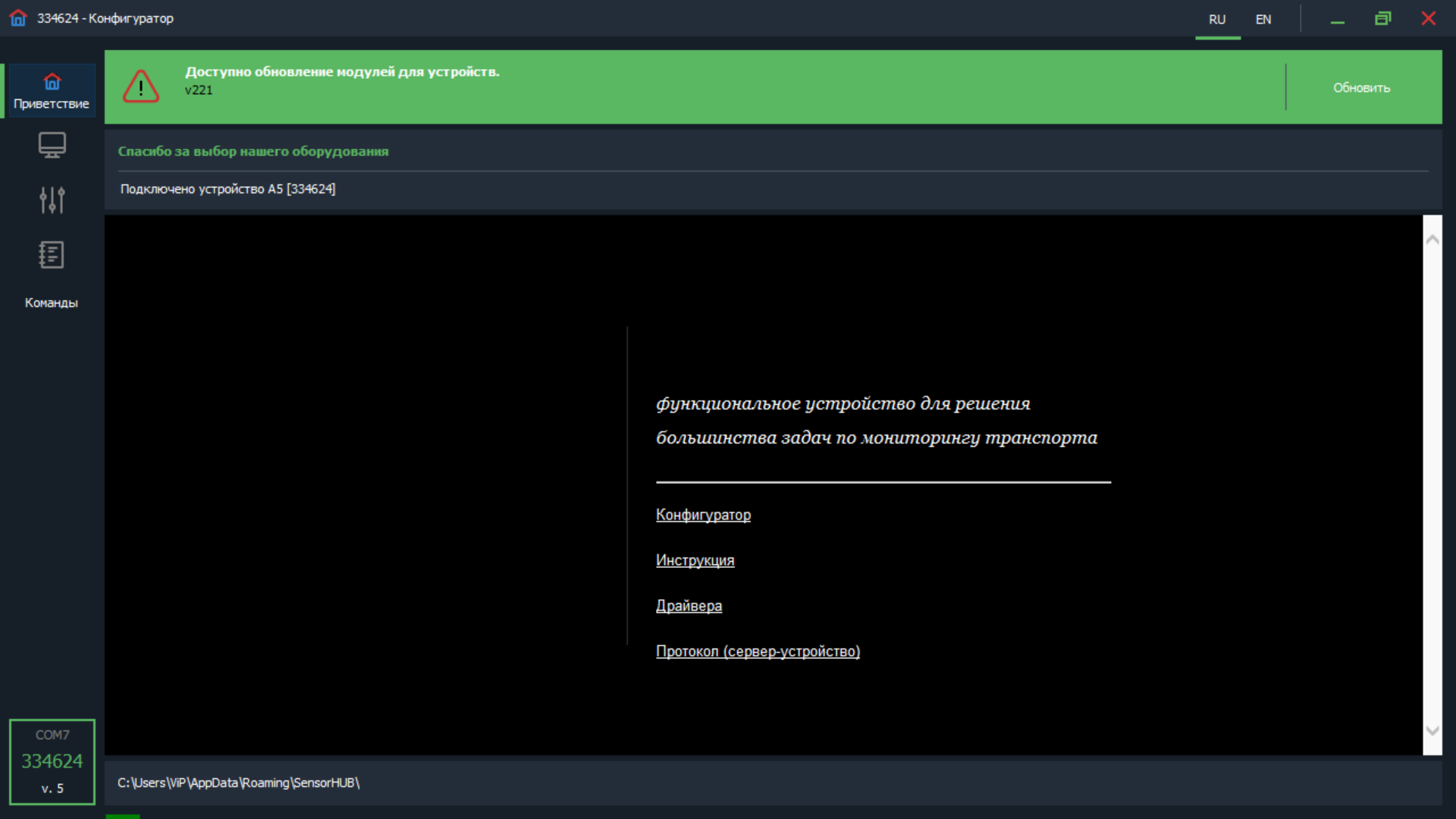
When the application starts, it will automatically search for devices connected to the PC. Basic information is displayed on the welcome tab.
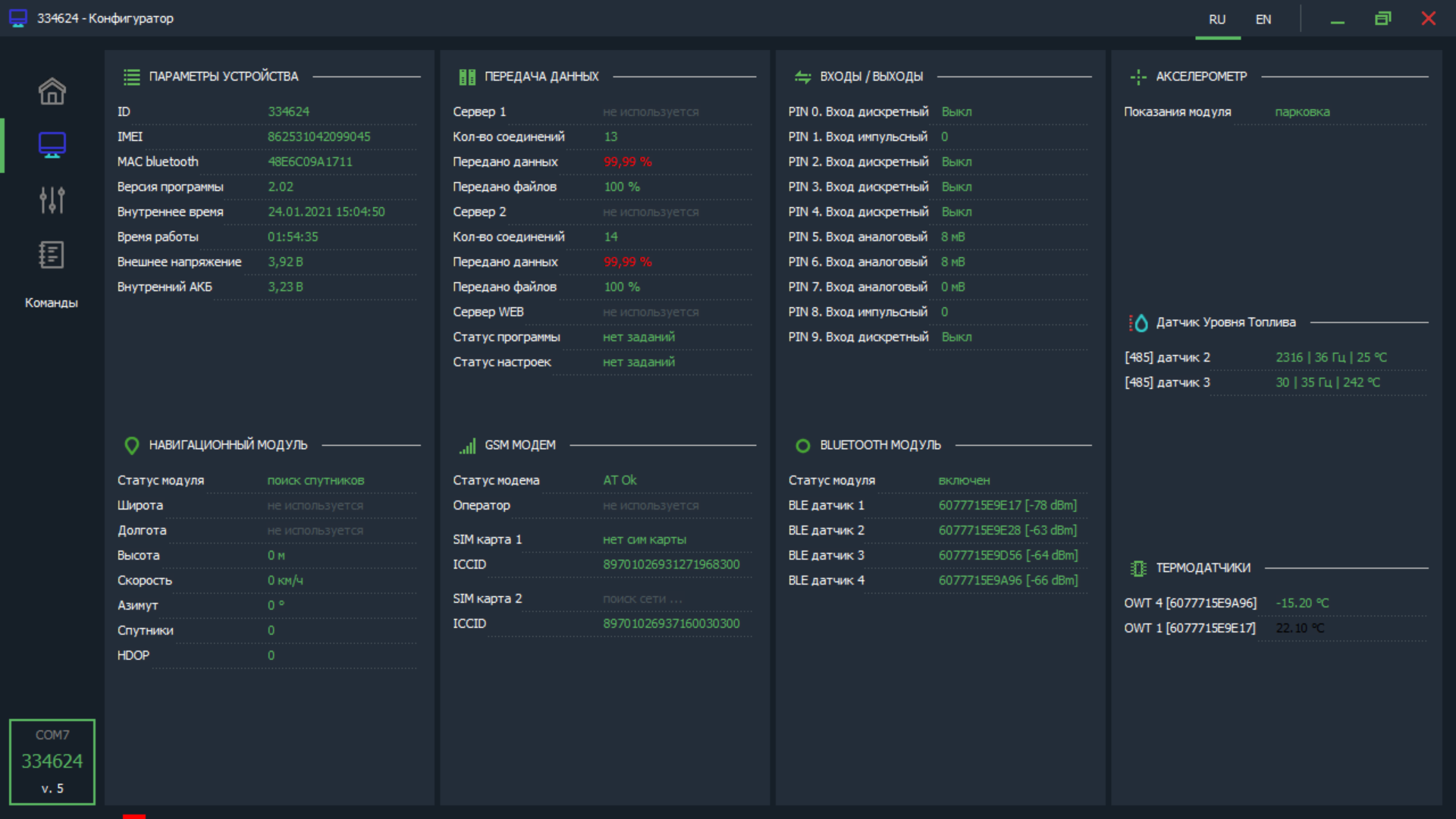
Shows current data for the device and data from connected sensors.
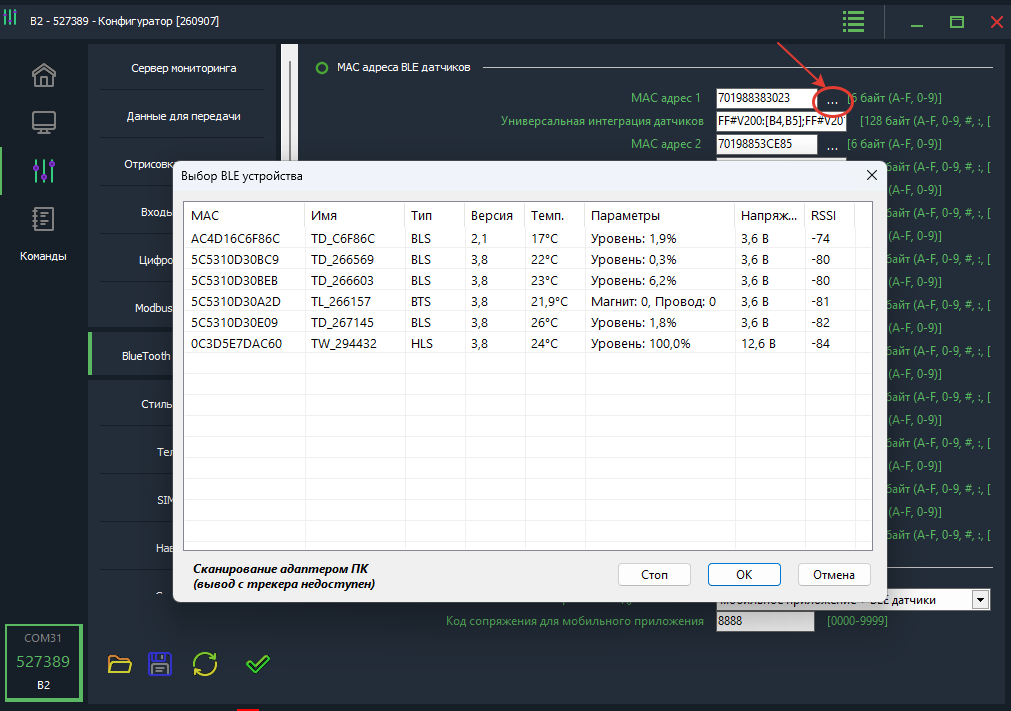
Displays device settings by sections. If the password differs from the default, you will need to enter it.
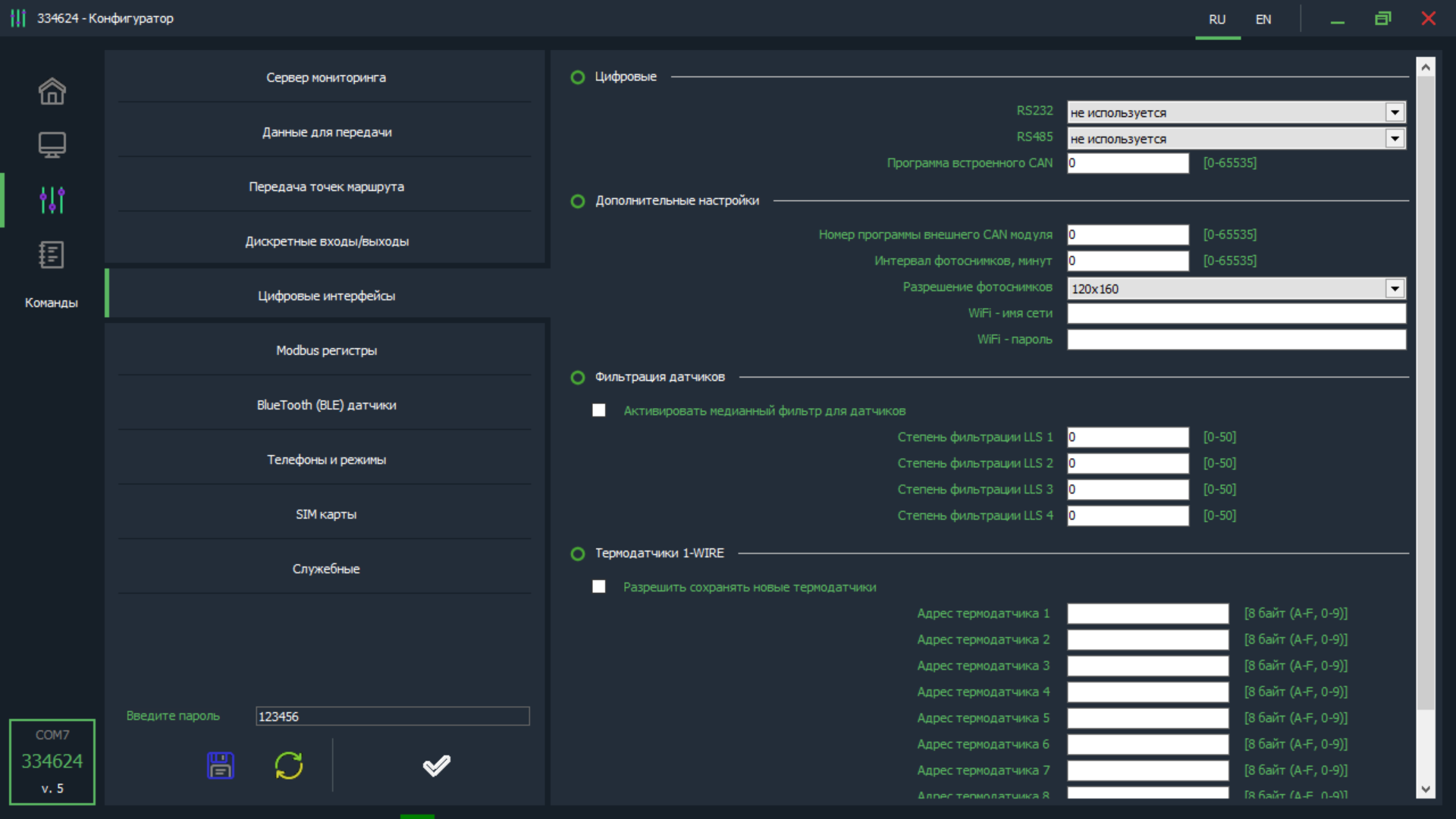
Service information is displayed, useful for troubleshooting emergency situations.
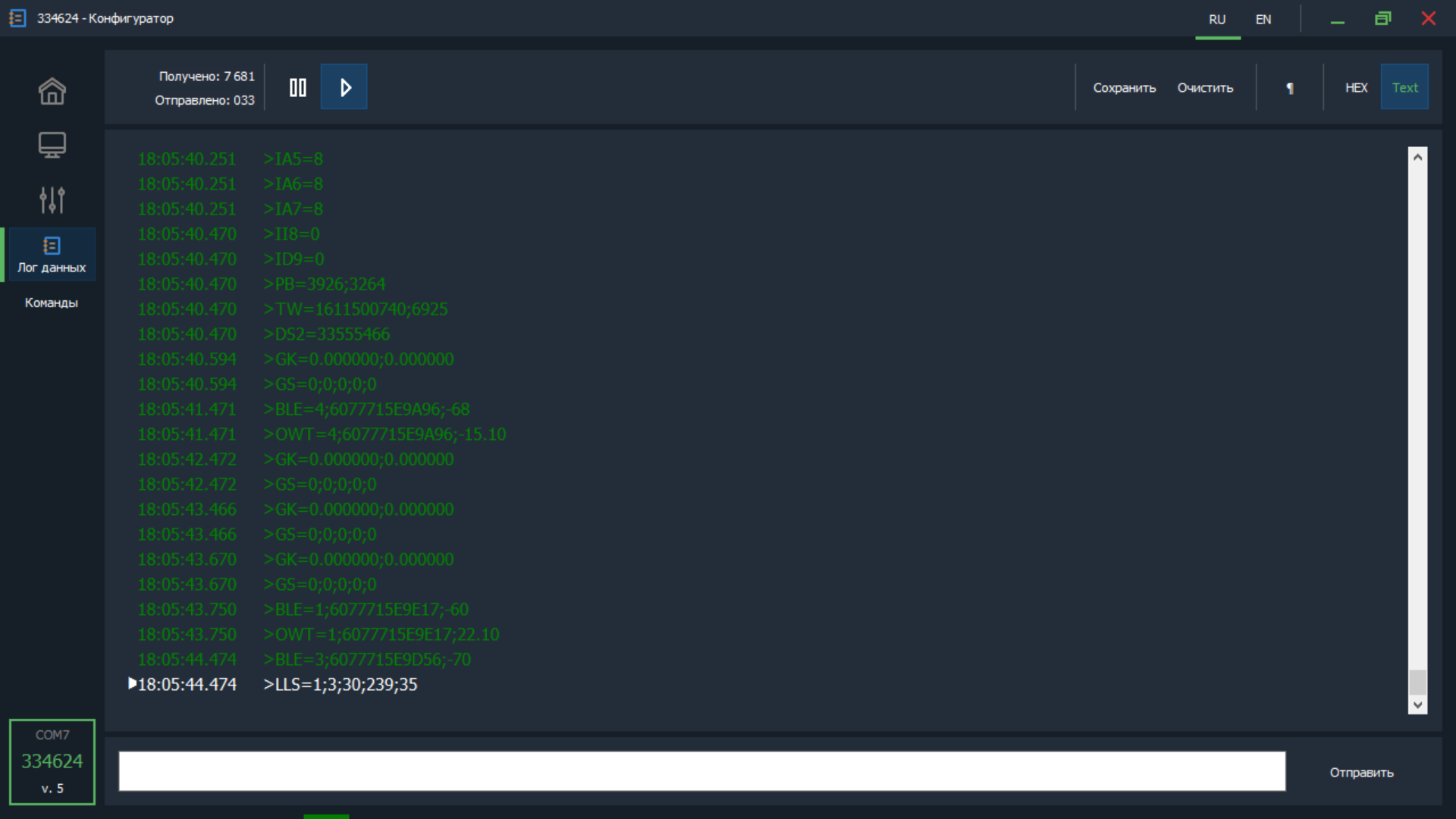
List of available commands to execute. It is possible to add custom commands.
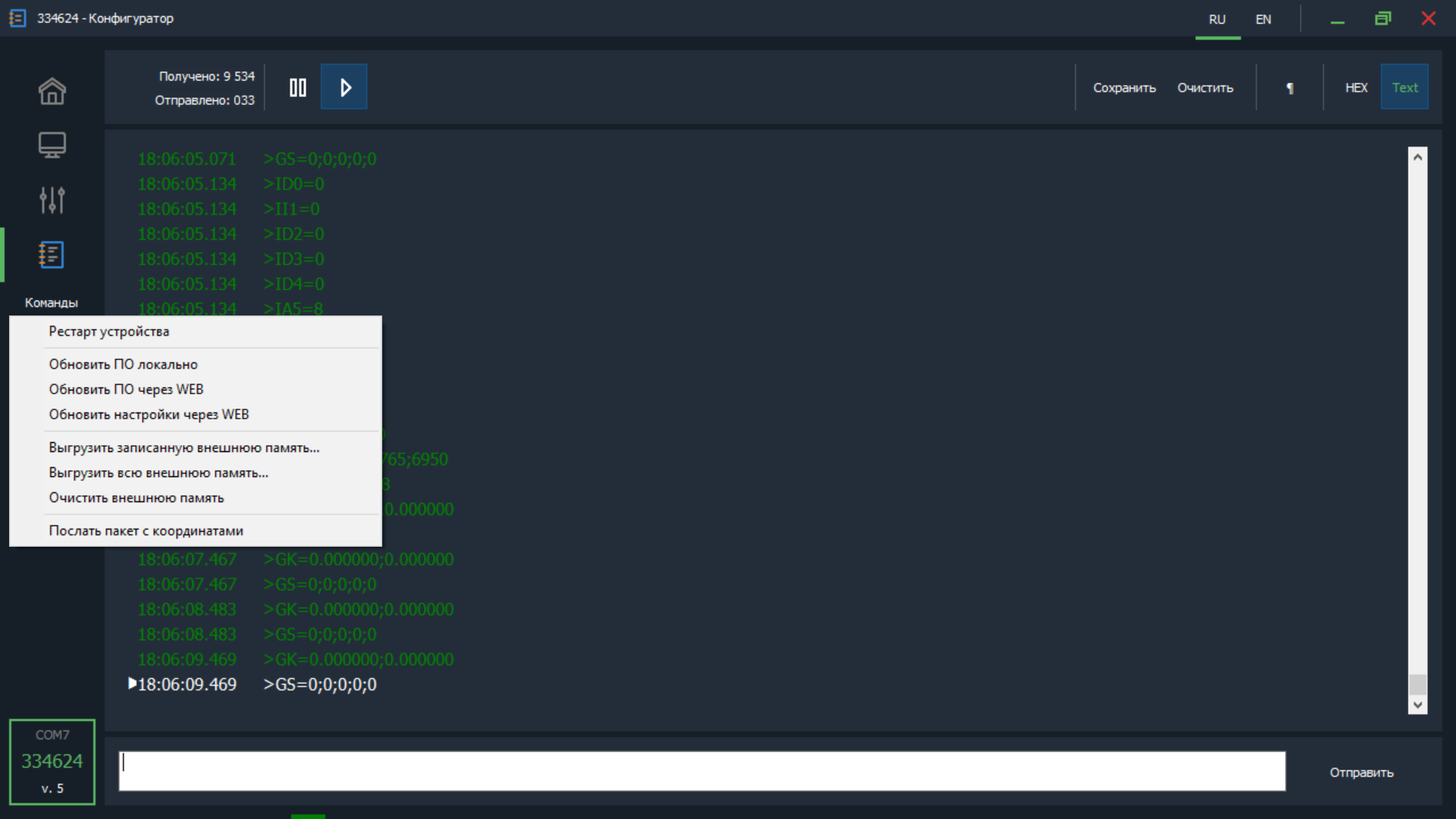
Searches for and displays all available BLE devices in range. Displays RSSI, MAC address, name and other sensor parameters. Available in the BLE sensor settings section of devices. Scanning is possible in two ways: via tracker (if the device supports it) or the built-in PC adapter.
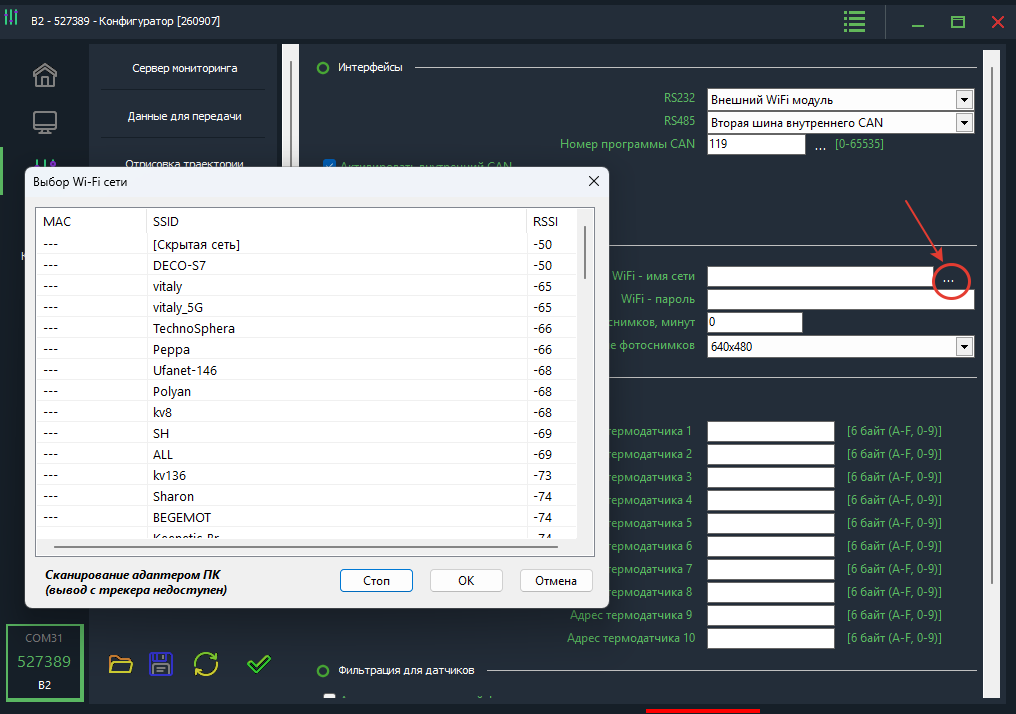
Allows detecting available WiFi networks. Displays RSSI, MAC address (if available), SSID. Available in the WiFi module settings section of devices. Scanning is possible in two ways: via tracker (if the device supports it) or the built-in PC adapter.
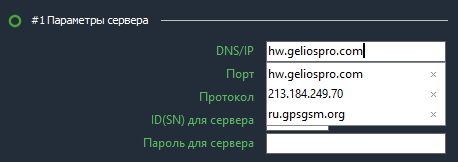
For convenient input of frequently repeated data, an autocomplete function is provided. When entering a new value and pressing Enter, the text is automatically saved in the system and becomes available for all similar fields. Subsequently, when selecting the desired field, a list of previously saved options will open immediately.